
SEO Link Checker Free: Find and Fix Website Link Issues
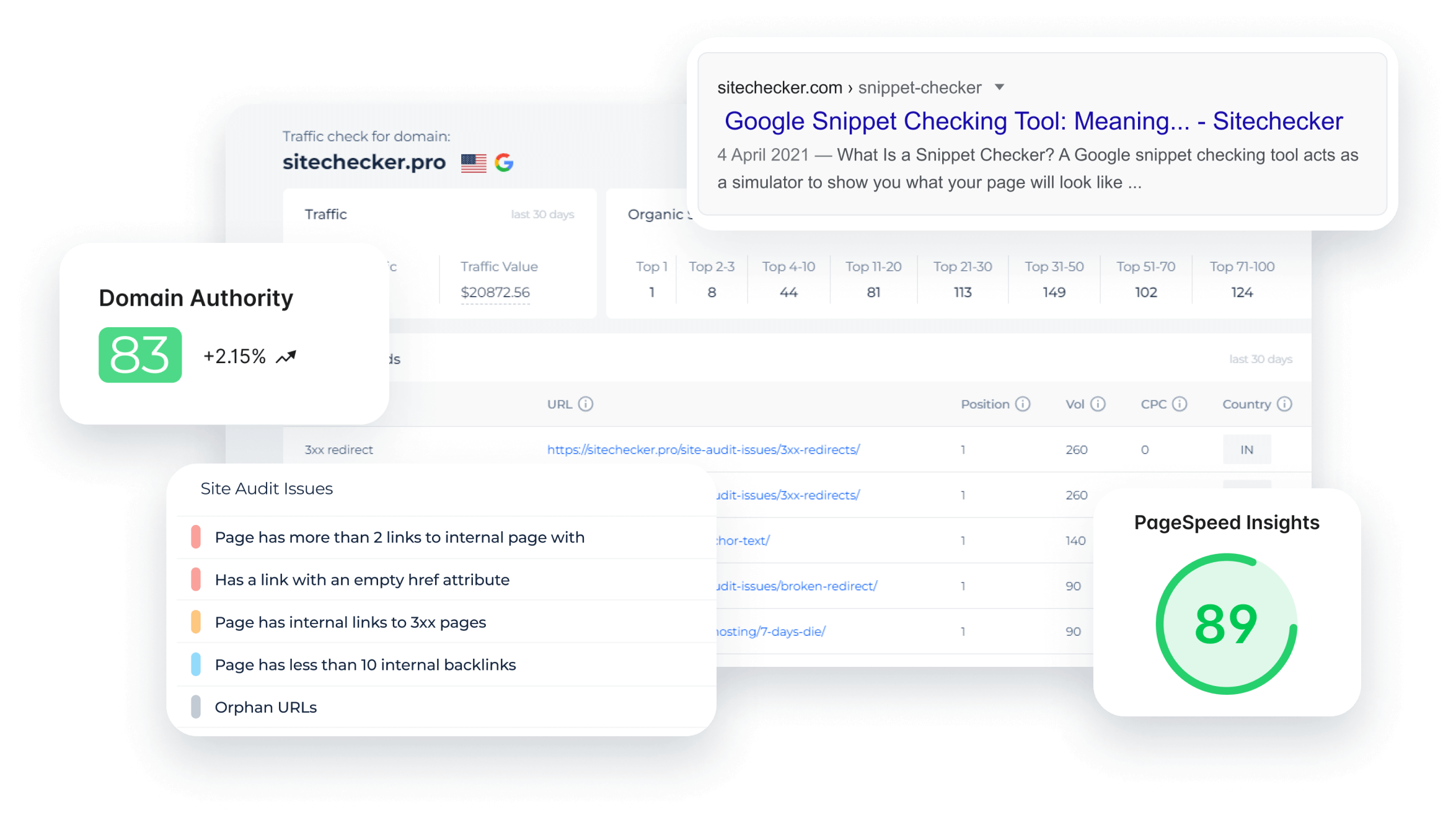
SEO Link Checker Free: How to Check Links on Your Website
A healthy link profile can help visitors find useful information and make it easier for search engines to discover and understand your website. The good news is that you do not always need a paid subscription to get started. A free SEO link checker can help you spot broken links, review backlinks and identify issues that may need attention.
In this guide, learn what an SEO link checker does, which checks to prioritise and how to use free tools effectively.
What is an SEO link checker?
An SEO link checker is a tool that analyses links associated with a website. Depending on the tool, it may check links on your own pages, links pointing to your website from other sites, or both.
- Internal links connect one page on your website to another.
- External links lead from your website to another website.
- Backlinks are links from other websites pointing to yours.
These link types serve different purposes, so check that a tool covers the information you need before using it.
Why use a free SEO link checker?
Links can change or stop working as websites are updated. A page might be deleted, a URL might be mistyped, or another website might remove a link to your content. Regular checks can help you find these changes before they frustrate visitors or leave important pages harder to discover.
A free link checker can help you:
- Find broken links that lead to error pages.
- Check whether important pages are connected through internal links.
- Review backlinks and see which websites refer visitors to you.
- Spot links that redirect through several URLs.
- Identify unusual or potentially low-quality backlinks for further review.
How to check links for free
-
Choose the right type of checker.
Use a site crawler or broken-link checker to review links on your pages. For backlinks, choose a backlink analysis tool. Some services offer free checks with limits on the number of URLs, reports or searches.
-
Enter your website or page address.
Follow the tool’s instructions. A small website may be checked with a single URL, while a larger site may need a crawl.
-
Review the results.
Look for broken links, unexpected redirects and important pages with few internal links. For backlink reports, check the linking page and website rather than judging a link by a single score.
-
Fix issues at their source.
Correct a mistyped URL, replace a link with a relevant working page, or remove it if it is no longer useful. If a page has moved, consider setting up a suitable redirect.
-
Run checks again.
A follow-up scan can confirm that the issue has been resolved. Repeat checks periodically, especially after a redesign or major content update.
Free tools to consider
There are several ways to begin without paying. Google Search Console is a free service that can provide information about how Google sees your website, including some linking data. Free website crawlers and online broken-link checkers can help review links on individual pages or smaller sites. Some SEO platforms also provide limited backlink reports or free accounts for verified website owners.
Features and usage limits vary, so compare what each tool actually checks. A free report may cover only a sample of your backlinks or a limited number of pages. For a complete analysis of a large site, you may need a paid plan or a combination of tools.
What to do about suspicious backlinks
Not every unfamiliar backlink is harmful. Websites can link to yours without asking, and automated tools may label links differently. Review the context: is the link relevant, editorially placed and likely to help a real visitor? Avoid removing or disavowing links solely because a tool gives them a low score. If you are concerned about a manual action or a clear pattern of manipulative links, consult Google’s guidance or an experienced SEO professional before taking action.
How often should you check your links?
There is no single schedule for every website. Smaller sites may check links every few months, while frequently updated websites may benefit from more regular checks. It is also sensible to run a crawl after changing your site structure, moving pages or publishing a large batch of content.
Frequently asked questions
Is an SEO link checker free?
Some link-checking tools are free, while others offer a limited free version alongside paid plans. Free access may include restrictions on the number of pages, backlink results or reports.
Can a free tool check all my backlinks?
Not necessarily. Backlink databases differ, and free plans often show only a sample. Use more than one source if you need a broader view, and remember that no tool is guaranteed to find every link.
Do broken links harm SEO?
A few broken links do not automatically mean that a website will be penalised. However, broken links can create a poor experience and make it harder for visitors to reach useful content, so fixing important ones is good website maintenance.
Make link checks part of your SEO routine
A free SEO link checker is a practical starting point for improving website maintenance and understanding your link profile. Use it to find issues, verify important results and prioritise changes that help visitors. Regular checks, thoughtful internal linking and useful content are more valuable than chasing a perfect tool score.
Top 8 Advantages of Using a Free SEO Link Checker for Enhanced Website Performance
- Finds broken links quickly
- Improves website user experience
- Helps review backlinks
- Supports better internal linking
- Can reveal redirect issues
- Easy to use for basic checks
- Useful for regular site maintenance
- Free to get started
Drawbacks of Free SEO Link Checkers: Exploring 7 Key Limitations
- Limited number of links checked
- Incomplete backlink data
- Fewer filtering options
- Restricted report exports
- Crawl limits on larger sites
- Results may be less frequent
- Advanced features often require payment
Finds broken links quickly
A free SEO link checker can find broken links quickly, helping you identify pages that no longer load or lead to error messages. By spotting these issues early, you can update or remove faulty links and make it easier for visitors to navigate your website. Regular checks also help you keep your site tidy without spending hours reviewing links manually.
Improves website user experience
A free SEO link checker can improve your website’s user experience by helping you find broken links, incorrect URLs and unnecessary redirects. Fixing these issues makes it easier for visitors to reach the information they need, browse between pages and trust your site. Regular link checks also help ensure that useful resources remain accessible as your website changes.
Helps review backlinks
A free SEO link checker can help you review the backlinks pointing to your website, showing which sites link to your content and which pages they reference. This makes it easier to identify valuable links, spot unexpected changes and understand how people may be discovering your site. Use the results as a starting point, as free tools may show only a limited sample and link quality should be judged by relevance and context—not just a score.
Supports better internal linking
A free SEO link checker can support better internal linking by showing how pages on your website connect. It can help you spot broken links, important pages with few links pointing to them, and opportunities to guide visitors towards related content. A clear internal link structure can make your site easier to navigate and help search engines discover its pages.
Can reveal redirect issues
A free SEO link checker can reveal redirect issues by showing when links pass through unnecessary or broken redirects before reaching their destination. This helps you find outdated URLs, redirect chains and loops that may slow visitors down or prevent them from reaching a page. By updating links to point directly to the correct destination, you can make navigation clearer and help search engines crawl your site more efficiently.
Easy to use for basic checks
A free SEO link checker is often easy to use for basic checks, making it a handy starting point even if you have little SEO experience. Enter a website or page address, run a scan and review straightforward results such as broken links or redirects. This quick process can help you spot common issues and decide what to fix, without needing specialist knowledge or a paid subscription.
Useful for regular site maintenance
A free SEO link checker is useful for regular site maintenance because it helps you spot broken links, unexpected redirects and other issues before they frustrate visitors. Running checks periodically, particularly after updating content or changing your site structure, makes it easier to keep pages connected and links working without adding to your maintenance costs.
Free to get started
A key advantage of a free SEO link checker is that you can get started without committing to a paid subscription. It gives website owners, bloggers and small businesses a chance to check for broken links or explore basic backlink information at no initial cost. Free tools may have limits on the number of pages or reports available, but they can still offer a useful first step towards better website maintenance and SEO.
Limited number of links checked
A key drawback of a free SEO link checker is that it may only scan a limited number of links or pages at a time. This can make it difficult to review a large website thoroughly, and important broken links or backlink issues may remain undiscovered. For a more complete audit, you may need to run several checks or consider a tool with a higher scanning limit.
Incomplete backlink data
One drawback of a free SEO link checker is that its backlink data may be incomplete. Free tools often limit the number of links shown or rely on smaller, less frequently updated databases, so they may miss links pointing to your website. This can make it harder to assess your full backlink profile or spot changes over time. Use free reports as a helpful starting point, rather than a complete picture, and compare results with other sources where possible.
Fewer filtering options
Free SEO link checkers often provide fewer filtering options than paid tools, making it harder to sort results by link type, status, anchor text or source quality. This can leave you with a long, less-organised list to review manually, especially if your website has many pages or backlinks. As a result, finding the most important issues and deciding what to fix first may take more time.
Restricted report exports
One drawback of a free SEO link checker is that report exports may be restricted. You might be able to view results on screen but be unable to download the full report, export data in formats such as CSV, or access detailed information about every link. This can make it harder to share findings with colleagues, compare results over time or keep records of completed checks.
Crawl limits on larger sites
One drawback of a free SEO link checker is that it may limit how many pages or URLs it can crawl. This can be a challenge for larger websites, where a basic scan might cover only a small sample and miss broken links or other issues elsewhere. As a result, you may need to run several checks, prioritise key sections or use a paid tool for a more complete audit.
Results may be less frequent
One drawback of a free SEO link checker is that its results may be less frequent or less up to date than those from a paid service. Some free tools scan websites less often, limit how many pages they check, or provide only occasional updates. This means recent broken links or changes to your backlink profile may take longer to appear, so treat the results as a useful snapshot rather than a complete, real-time picture.
Advanced features often require payment
One drawback of free SEO link checkers is that advanced features often require payment. Free plans may limit the number of pages or backlinks you can analyse, or provide only basic reports. Detailed competitor research, historical data, scheduled audits and larger site crawls may be available only through a paid subscription, which can make it harder to carry out a thorough analysis as your website grows.